Change control
GxPVersioning & Change Control
Every version frozen. Every change explained.
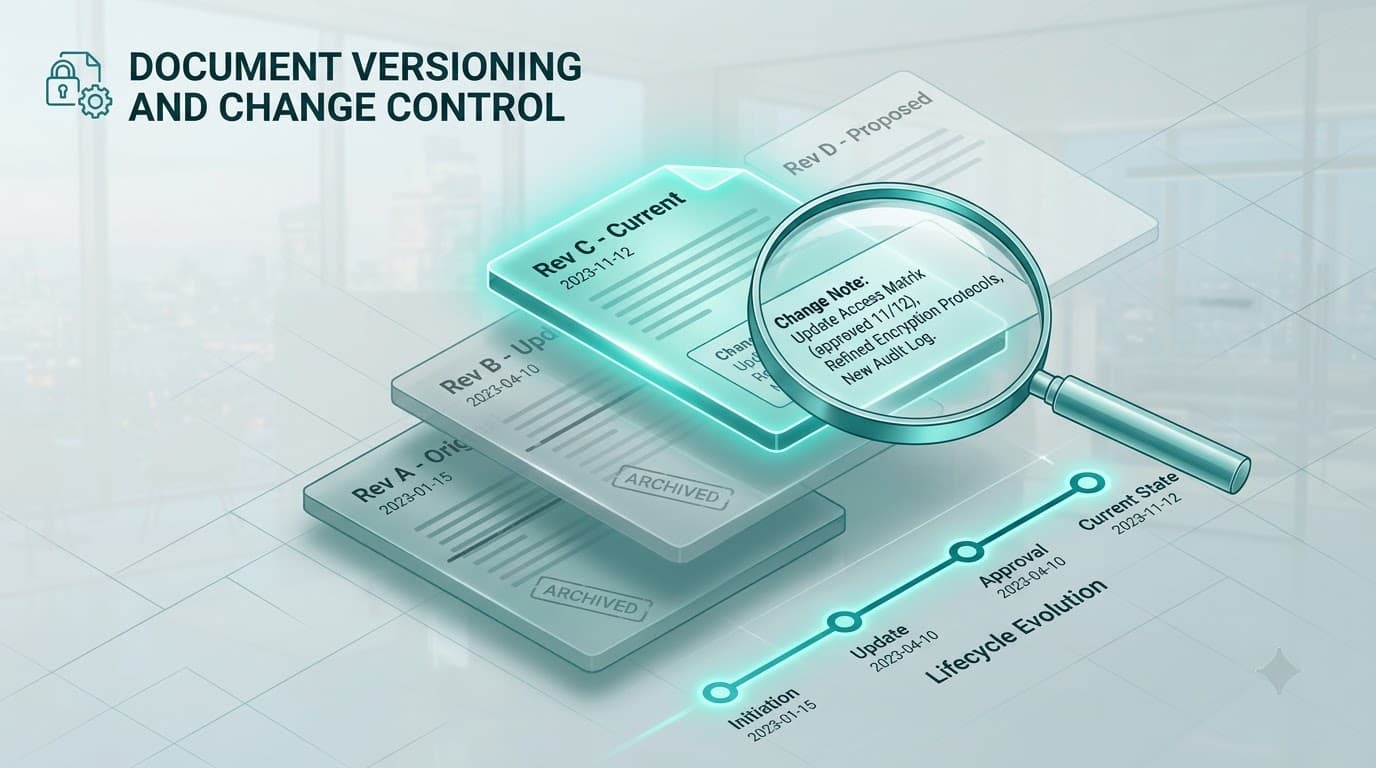
Each version is a frozen record with its own change-control number and change reason — the classic GxP “why did this change” evidence. Within a review cycle, revisions are numbered major.minor so rework is fully traceable.
What you get
Built to hold up under scrutiny
Immutable version history
Every version is a permanent, browsable record — open, compare and download any prior version at any time.
Change-control number & reason
Each version captures the change-control number and reason so the ‘why’ is always on the record.
major.minor revisions
In-cycle rework is numbered 1.0 → 2.0 → 2.1 → 3.0, each with its own frozen file snapshot.
Capabilities
Inside this capability
- Frozen, immutable versions with tracked current-effective and latest pointers
- Change-control number and change reason on every version
- In-cycle major.minor revision numbering with per-revision file snapshots
- Browse, open and download any historical version or revision
- Opt-in versioning per document master
How it flows
Step by step
- 1
Revise
A new draft opens as the next revision, carrying forward the last content.
- 2
Record the reason
Author enters the change-control number and change reason.
- 3
Route rework
Rejections increment the minor revision; stage advances bump the major.
- 4
Freeze
On approval the version is frozen and added to the permanent history.
FAQ
Change control — questions
No. Versions are immutable once frozen. Changes always create a new version with its own change-control number and reason.
Revisions use major.minor numbering — a reject-and-resubmit bumps the minor, a stage advance bumps the major — and each revision keeps its own file snapshot.
Ready to put your documents on the record?
See how YourDocVault controls the full lifecycle — with the audit trail, e-signatures and controlled copies your quality system needs.