
Controlled copies
GxPControlled Copies & Watermarking
Every printout accounted for.
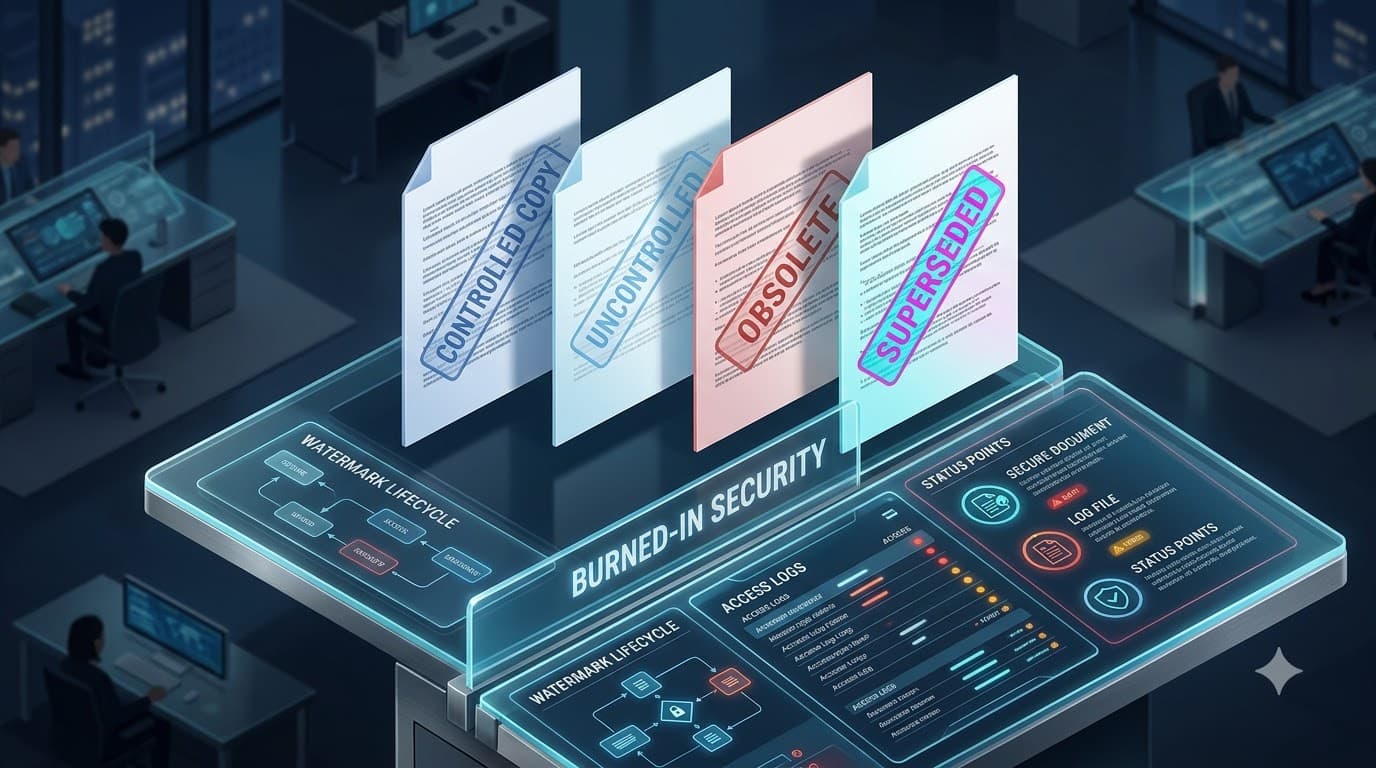
Issuing or printing produces a full controlled rendition: a system cover page, every content page stamped with a three-layer watermark and a print footer, and an appended signature manifest. The watermark is burned in server-side, so a clean copy never reaches the browser.
What you get
Built to hold up under scrutiny
Three-layer watermarks
A copy-control stamp (MASTER / CONTROLLED COPY №/ UNCONTROLLED…), a lifecycle stamp, and a confidentiality stamp — all configurable.
Numbered copy register
Each issue allocates a sequential, gap-free copy number and records recipient, purpose, version and issuer.
Tamper-evident by design
Watermarks are burned into the PDF on the server; the on-screen view is a proxied, watermarked stream — no clean source leaks.
Capabilities
Inside this capability
- Copy-control stamps: MASTER, CONTROLLED COPY + number, UNCONTROLLED, UNCONTROLLED WHEN PRINTED, FOR REFERENCE / TRAINING ONLY
- Automatic lifecycle stamp (DRAFT / EFFECTIVE / OBSOLETE…) and confidentiality stamp from the security class
- Configurable wording, color, opacity and angle with pharma defaults
- System cover page with full document metadata
- Per-page print footer — printed by, GMT date/time, document number, page X of Y
- Appended signature manifest
- Copy-request workflow with a QA approve/reject inbox
- Recall and an org-wide reconciliation register of outstanding copies
- Every issue, print, download and recall is an append-only audited event
How it flows
Step by step
- 1
Request
A user requests a controlled copy; QA reviews it from an inbox.
- 2
Issue
On approval a sequential copy number is allocated and recorded.
- 3
Render
The server composes a cover page + watermarked, footered pages + manifest.
- 4
Recall
Superseding or retiring flags copies for recall; recall is audited.
FAQ
Controlled copies — questions
No. For controlled documents the watermark and copy number are burned into the PDF server-side, and the browser is served a proxied, watermarked stream rather than a presigned link to the source.
The copy register records every issued copy with its number, recipient and version, and an org-wide reconciliation view lists all outstanding copies for periodic QA review.
Ready to put your documents on the record?
See how YourDocVault controls the full lifecycle — with the audit trail, e-signatures and controlled copies your quality system needs.